THE IDEA
My training programs lived in Excel. I wanted them in my hand at the gym.
mytracker turns those spreadsheets into an app on my phone: log each set, see what I lifted last time, track food against a daily target, and watch my weight and measurements move.
Spreadsheets didn’t scale, and I wanted to keep my data with me. It felt like a good place to start.
HOW IT WAS BUILT
I built it with Claude Code, one feature at a time. For each feature I wrote a build spec first: what it should do, what it must not break, and the real problem from the gym that it fixes. There are seven of them in the repo, from the workout builder to the rest timer.
Three rules held throughout: everything in one file, every action saved on the phone first so it works offline, and sync to the cloud only in the background so it never blocks a set.
The screens below use made-up sample data, not my own.
01 · HOME
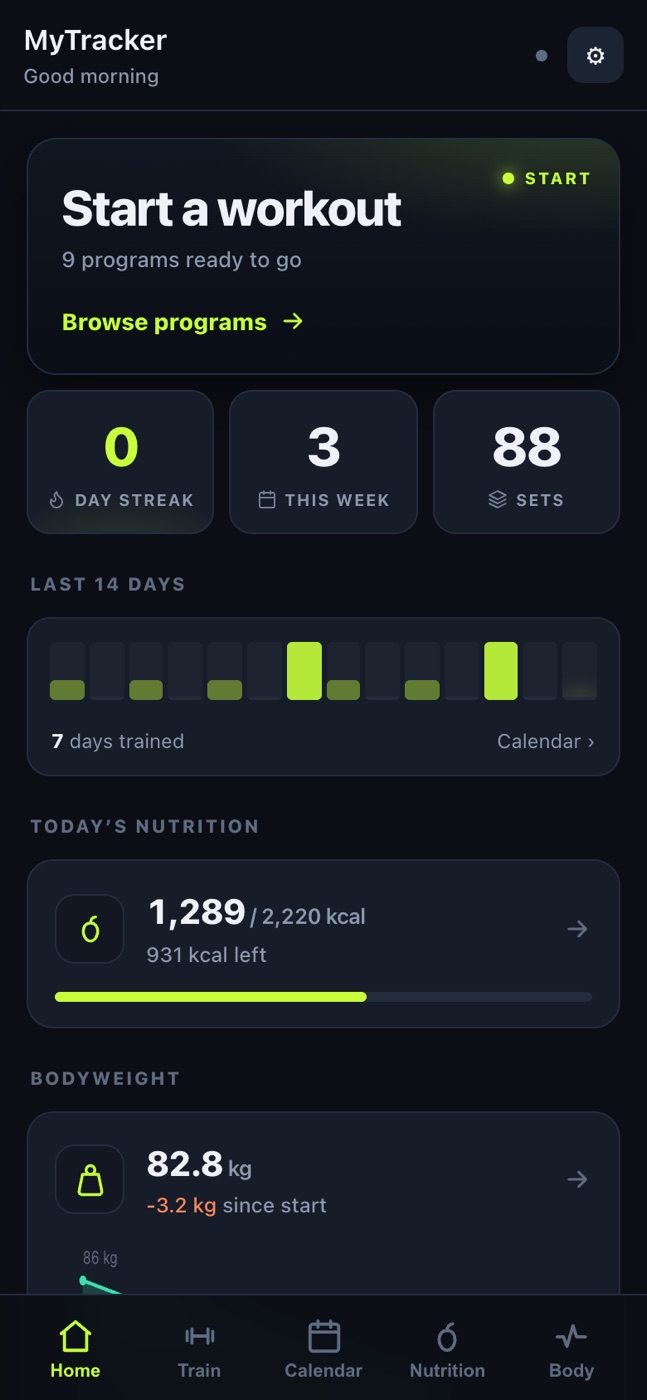
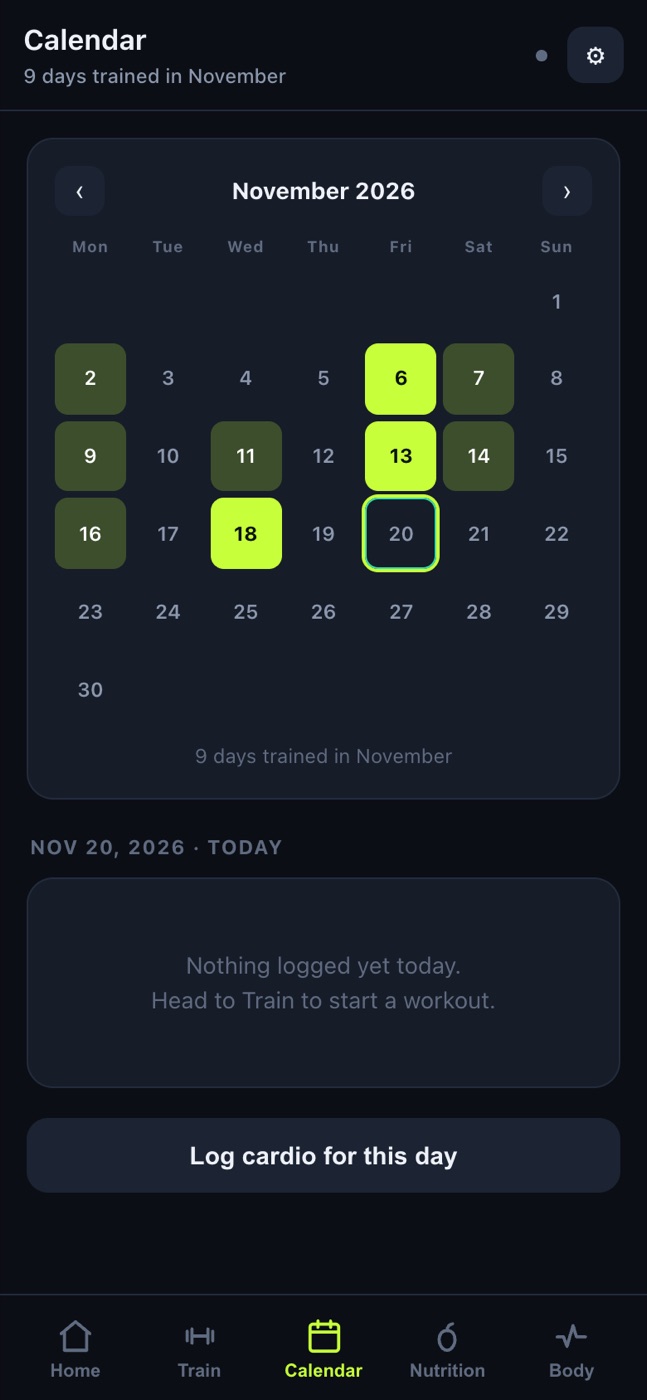
Where I left off: the streak, this week’s workouts, the last 14 days, today’s calories and my weight trend.
02 · TRAINING
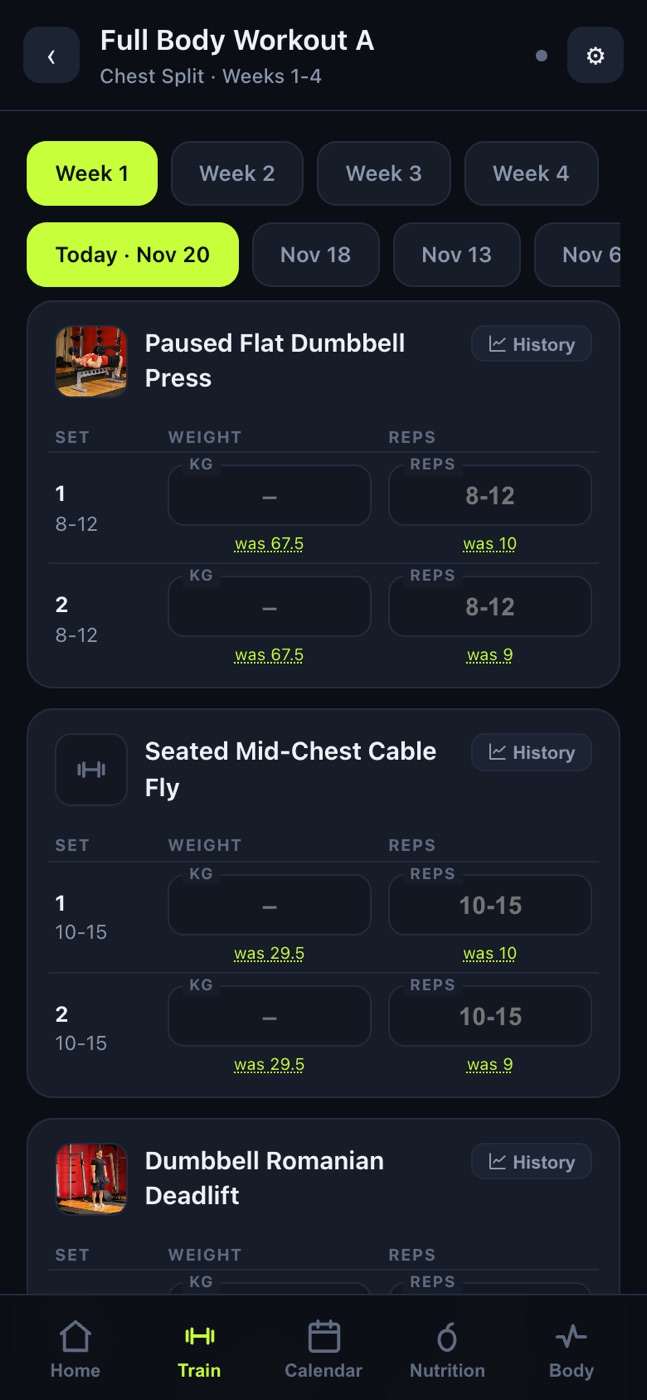
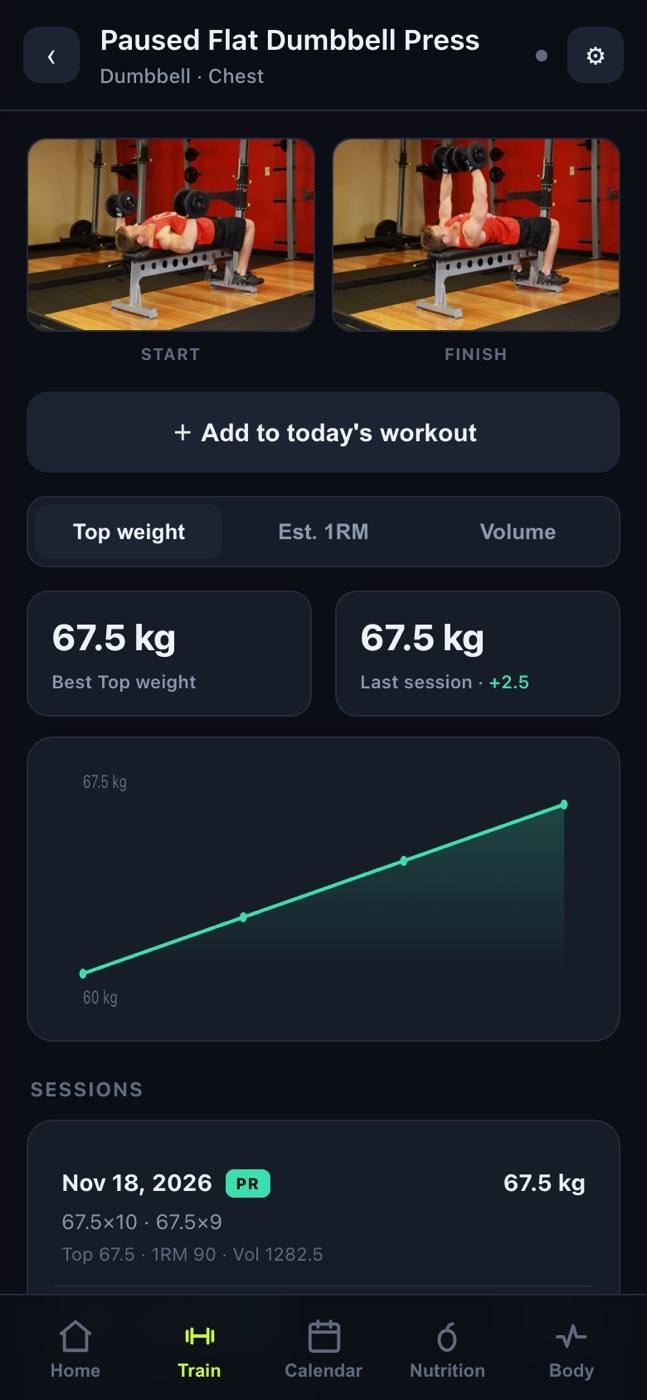
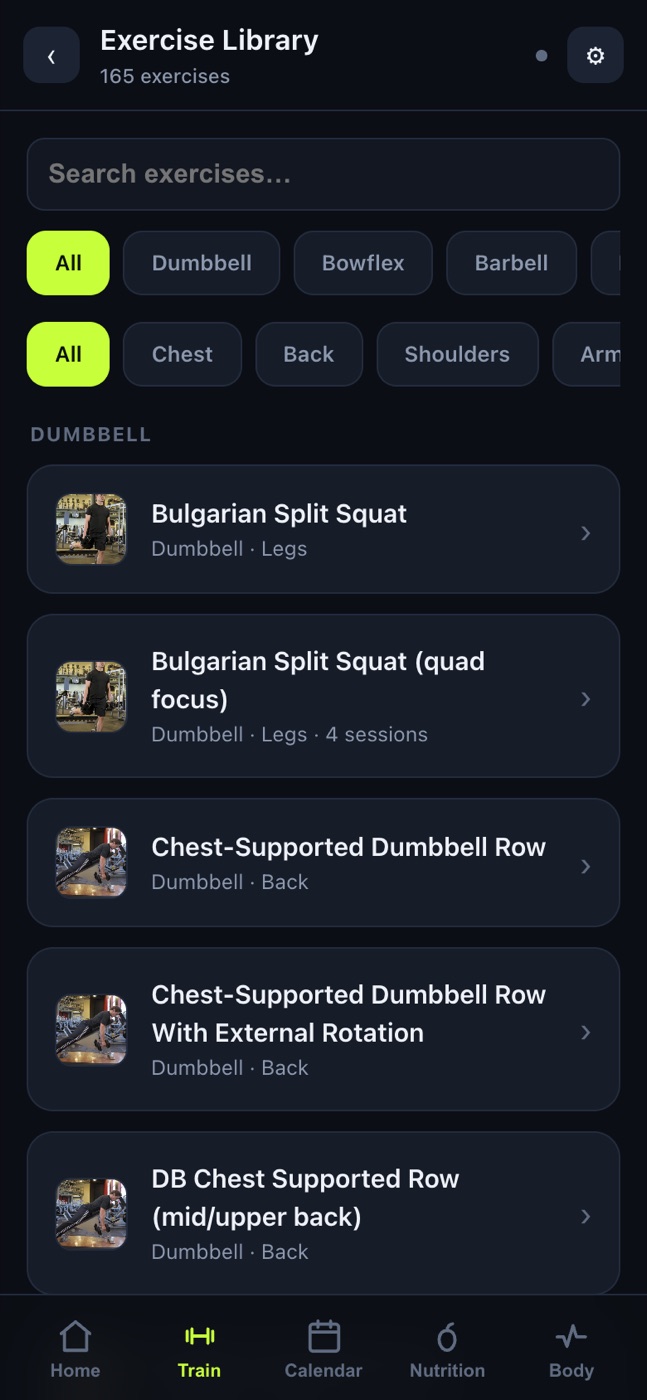
Every program from my spreadsheets, by week and by date. Each set shows what I did last time, so I know what to beat. Each exercise keeps its own history, with the best weight, an estimated one-rep max and a PR badge.
03 · FOOD AND BODY
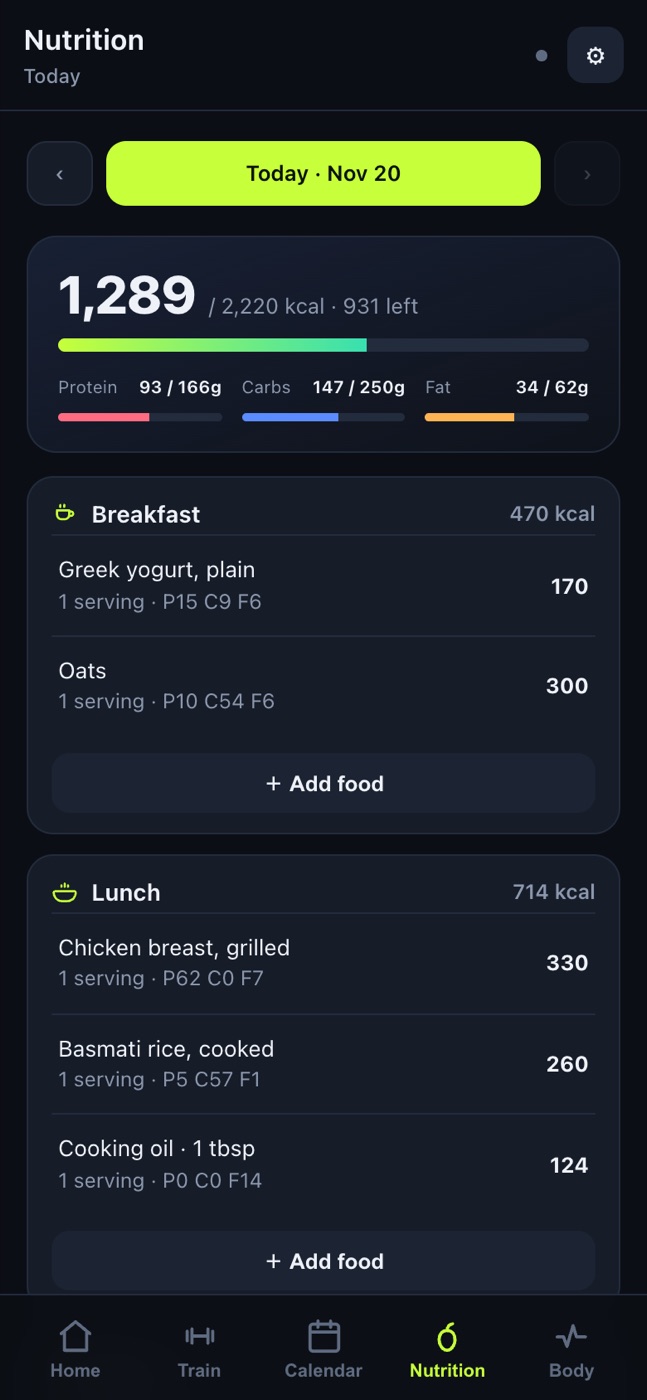
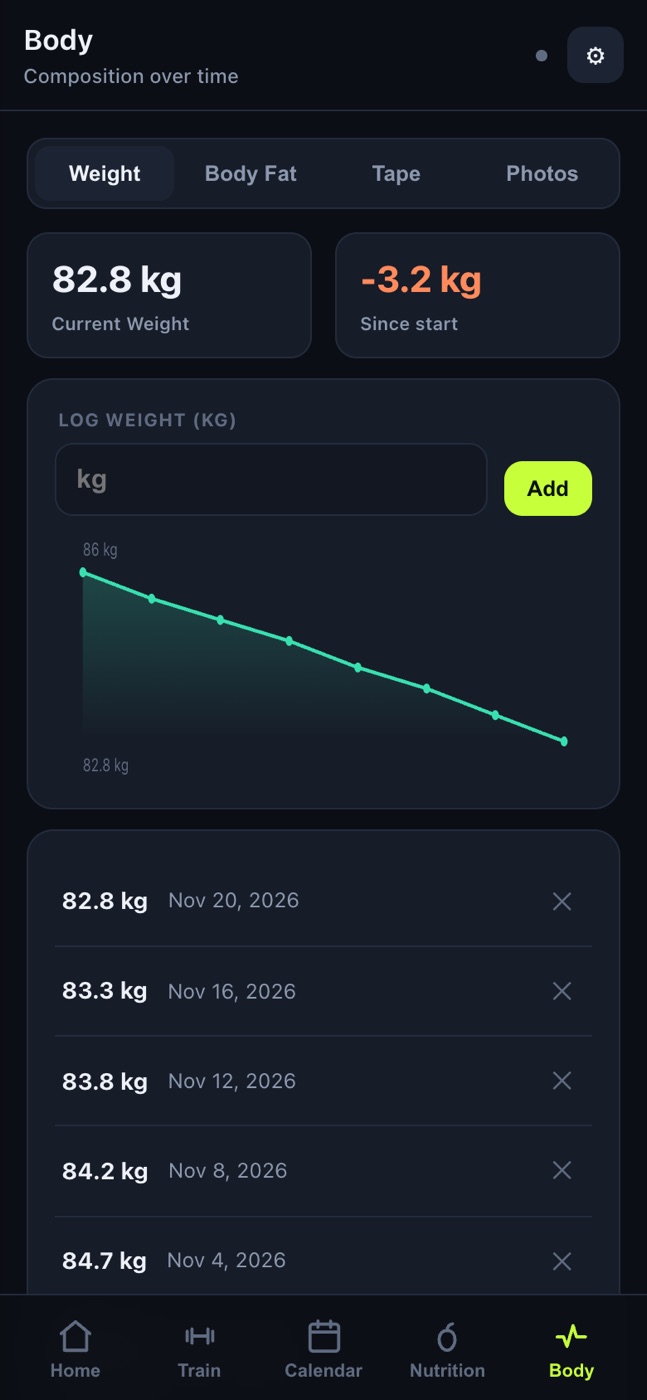
A daily calorie target worked out from my height, weight, age and goal, then food logged by meal. Cooking oil is logged as its own line, so the pan never goes uncounted. Weight, body fat and tape measurements each get a trend.
WHAT DIDN’T WORK
It’s the app I’ve used most, and it still isn’t as good as a real app.
The phone doesn’t fully trust a web app. The rest timer is meant to call me back between sets. A web app gets one short beep, not an alarm that keeps going until I act. At the gym the beep was too quiet, the timer banner sat behind the keyboard, and the phone never vibrated, because Chrome blocks vibration from a page in the background.
Logging sets is slow. Every set is its own row with a weight box and a reps box. A workout of eight exercises is more than twenty rows to tap through, between sets, one-handed.
WHAT I’D CHANGE
I’d look at how to make the web app easier to use. I don’t know if I’d put money into turning it into a real app.
HOW IT WENT
- Jul 2026Programs pulled out of the Excel files; the first version on my phone.
- Jul–Aug 2026Food, body, the exercise library and custom workouts added, one spec at a time.
- Aug 2026Rest timer fixes from real gym use. Last change on August 4.
- Nov 2026Still live. Paused while I’m not training.
WHAT I LEARNED
Because the spreadsheets already held the information, building the app on top of them was much easier and more straightforward.
CREDIT
Exercise photos: free-exercise-db. Food data: Open Food Facts.